

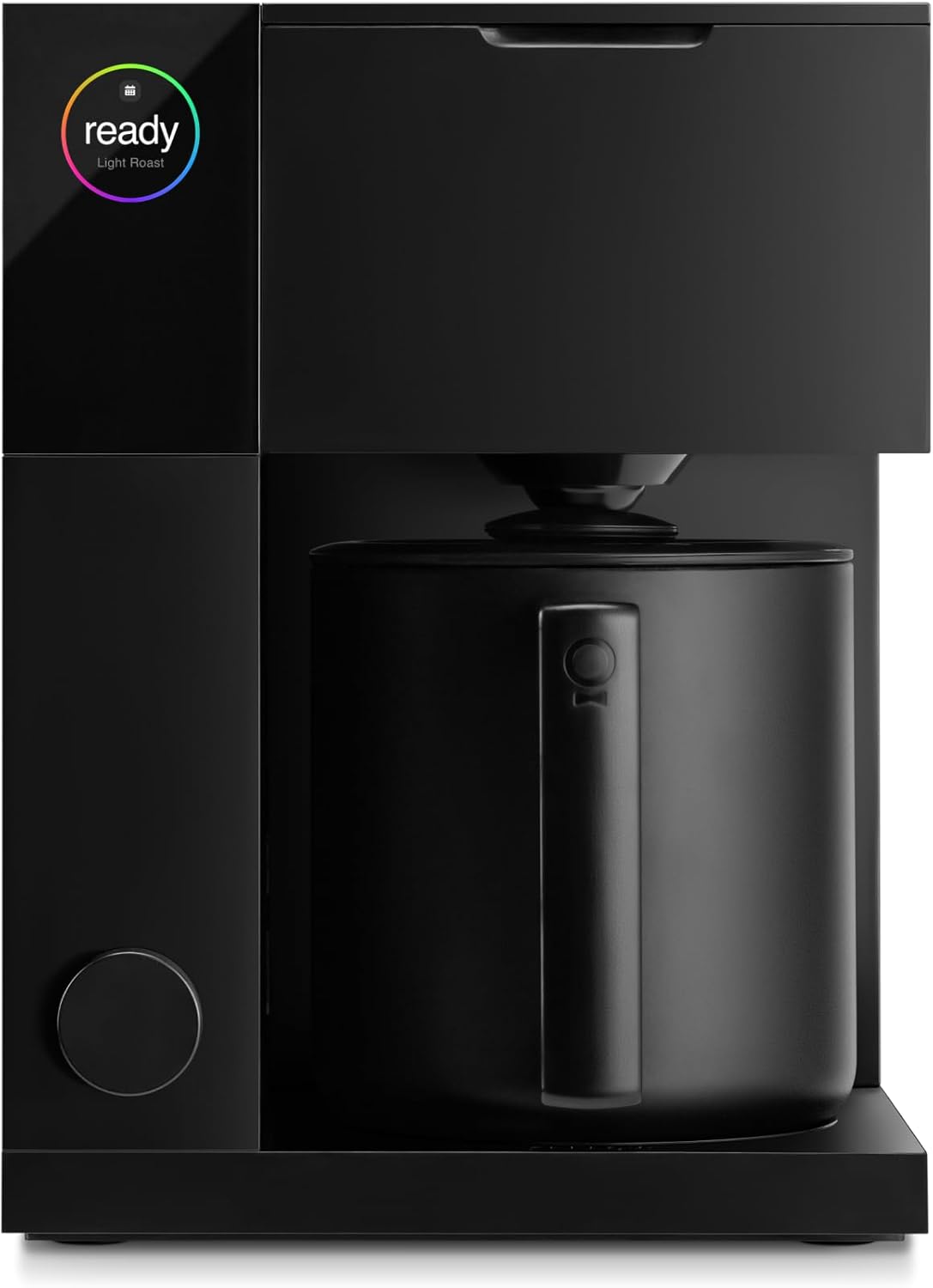
This is a review of the Fellow Aiden Precision Brewer. You will find here an in-depth discussion of the Aiden’s design, coffee quality, and software features. The reviewer and Raj’s Coffee are not affiliated with Fellow Products, and this review was conducted with no intention to advertise on Fellow’s behalf.
Filter coffee at home generally falls into two categories: automatic and manual. Automatic drip brewers can range from the cheap Mr. Coffee makers you find in supermarkets to high-end models like the Technivorm Moccamaster. I imagine most folks who brew coffee at home use an automatic brewer. After all, the convenience speaks for itself. All you have to do is pour in the water and the grounds, press a button, and wait a few minutes for fresh hot coffee.
Manual filter coffee requires much more hands-on attention. Whether it’s the Chemex, the Hario V60, or some other pour-over device, brewing coffee by hand means delicately pouring the water yourself. You’re probably using a recipe for the amounts of water, the time between pulses, the temperature of water, among other things. If you haven’t already heard, pour-over coffee is infamously a rabbit hole. Enthusiasts can spend ungodly amounts of time and money chasing the perfect brew.
Fellow’s Aiden Precision Coffee Maker is seemingly an answer to the question, “Can the two worlds of automatic and manual filter coffee be bridged?” To that end, the Aiden purports to be an automatic brewer that produces pour-over quality coffee. After spending two months using this brewer on a near-daily basis, I believe I have spent enough time and drunk enough cups of coffee to determine whether this much-hyped machine is really worth it.
Modern, Attractive Design
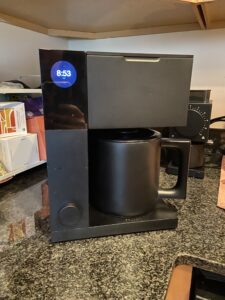
Let’s start with the look of the Aiden. Fellow has made a name for itself partly on the matching aesthetic of their products: modern, sleek, monochromatic. True to form, the Aiden has a strikingly modern design. With lots of right angles and parts divided into rectangles, it almost has the dimensions of a cube. Its color, whether you’re getting the matte black like I did or opting for something like the new Woodland green, is monochromatic.
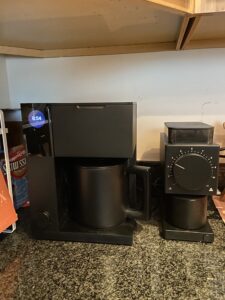
Full disclosure: prior to purchasing an Aiden, I already owned Fellow’s Stagg EKG gooseneck kettle and their Ode Precision Grinder. Grouped with each other, all three appliances look marvelous on my kitchen counter. This is part of Fellow’s draw. If you buy into their ecosystem of gadgets, then all your gadgets will visually match. I would be lying if I said this level of aesthetic consistency didn’t appeal to me.
Brewing with the Aiden
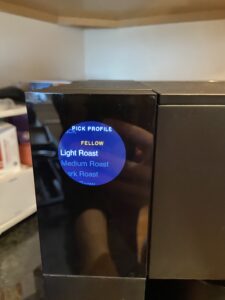
But more than design or aesthetic compatibility, what matters most at the end of the day is the coffee. And the Aiden makes delicious coffee. By default, the Aiden comes with four Guided Brew profiles: Light Roast, Medium Roast, Dark Roast, and Cold Brew. Each of these profiles comes with set parameters for water temperature, pulse timing, bloom timing, and so on. Basically, any of the variables one might be counting for a pour-over are set by the Aiden. You also have the option to hit Instant Brew for as little fuss as possible.
In addition to the Instant Brew and Guided Brew settings, the user can add brew profiles of their own. So for any pour-over enthusiast who keeps recipes, you can input those recipes into the Aiden. And, in keeping with Fellow’s penchant for product compatibility, any coffee that’s been part of their Fellow Drops subscription service has preset brew profiles that can be downloaded to the Aiden. (More on that later.)
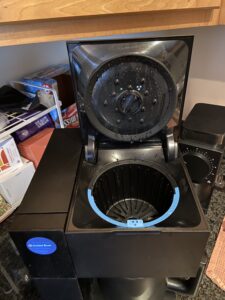
For any brew setting, the Aiden will prompt you to put in a certain amount of water and a certain amount of grounds. A big feature here is that the device comes with two different filter baskets. One is for single-serve (1-3 cups), and one is for batch brew (3.5-12 cups). These baskets come shipped with matching filters, which can be easily replaced with common batch and pour-over filters. If the incorrect basket is placed inside, or if something has gone wrong with your water tank, the Aiden will alert you before it starts brewing.
High Standard of Quality
Each cup of coffee I’ve had on the Aiden, whether it was made with Instant Brew, Guided Brew, or a custom brew profile, tasted delicious. Lots of bright and fruity notes would come through for lighter roasts. And the medium roasts I brewed tasted very balanced. (I generally don’t like dark roasts and I’ve yet to use the Cold Brew feature.)
For any pour-over fan who prefers their coffee manually brewed, the Aiden may just prove that machines can do the job just as well. Or at least, the machine does an admirable enough job that only seasoned aficionados would be able to taste the difference. The Aiden really is that consistent. So long as you’re using the correct measurements and the correct filter basket, the Aiden will make a very tasty cup of coffee for whatever beans you’re working with.
The Aiden also comes with a lot of features that make it a convenient brewer to use for that first morning batch. You can schedule a brew for a certain time of day. And you can customize that schedule for certain brew profiles. Being able to set up my coffee at night to my specifications and drink it hot and fresh the next morning is a delight.
Fancy, Frustrating Software
Fellow could have made an attractive automatic brewer and stopped there. But with the Aiden they included a number of software features that bring the coffee into the world of screens and smartphones. And this is where the brewer falters. I’ll start with a personal frustration. The Aiden has a companion app for smartphones that supposedly allows you to remotely schedule brews and download brew profiles to the machine. But if you don’t have 2.4G WiFi in your home, then the app cannot function. This may seem like a minor quibble, but I only have 5G in my home. So I am not able to use the app.
Practically, that means that if I want to add a brew profile to the Aiden, I have to do it myself. Which is fine, except the user interface is not set up well for that. The entire UI is the circular screen pictured above and a circular knob at the bottom. Setting up a brew profile takes a long time because of that limited display and input. While I have found it worth it to manually add in brews, it’s annoying to have to spend a couple of minutes entering everything in myself. Especially knowing that the Aiden could do it for me if my phone could connect to it.
These complaints may sound silly. To be sure, they are minor complaints in the grand scheme of things. After all, what really matters is good coffee, and the Aiden makes good coffee. But for a machine that’s supposed to have all this extra smart connectivity, I have not had an easy time getting these things to work. And the UI situation just isn’t set up for taking some of these steps yourself.
Final Recommendation
After two months brewing coffee with the Aiden, I can say that it is a very impressive brewer that lives up to most of its promise. It brews exceptionally good coffee, on par with most pour-overs I’ve tasted. The ability to set incredibly specific parameters for brews means the machine can mimic manual pour-over extremely well. But it also has quick and easy options for folks who don’t want to fuss with the specifics.
It says something that, despite some minor frustrations with the software and UI, we included the Aiden in a recent holiday gift guide. The Aiden is a really impressive coffee maker. Even if it hasn’t reached its full potential on the software and UI front, the coffee it makes is delicious, and the options for scheduling and customizable brews are seriously cool. If you’re on the fence about buying the Aiden, we hope this review has helped clarify whether it’s the coffee maker for you!